
Most people set up their Claude projects the same way they set up their downloads folder. Everything in one place, no real structure, and a growing sense that something important is buried in there somewhere. It doesn’t have to be like that. And once you do it properly, the difference is immediate.
The way you structure your Claude setup determines how much you get out of it. A well-organised project means Claude walks into every conversation already knowing who you are, how you work, and what you care about. A poorly organised one means you spend the first five minutes of every session re-explaining yourself.
I’m Chantelle Staples. Here’s how I set up every Claude project, and why.
What should a Claude project contain?
Think of a project as a briefing pack. Everything Claude needs to work well in this context, written down and stored somewhere it can always access.
That means four things: your instructions, your reference files, a place for outputs, and a place for work in progress. Each one does a specific job, and they don’t belong in the same folder.
What goes in the instructions file?
Your instructions file is the most important thing you’ll write. It’s the brief that travels with Claude into every session.
It should cover: who you are and what you do, who you’re writing for or designing for, how you like things to sound, what to avoid, any recurring context Claude needs to know. For a writing project that might be your voice rules, your audience profile, your banned phrases. For a design project it might be your brand guidelines summary, your component naming conventions, your review criteria.
Write it in plain language. You’re not configuring software. You’re briefing a colleague.
What are reference files?
Reference files are anything Claude needs to be able to read. Brand guidelines. Writing samples that represent your voice. A product brief. A spreadsheet of data. A PDF report you want it to summarise or work from.
The key rule: if you’d have to paste it into the conversation every time, it should be a reference file instead. Upload it once, refer to it forever.
How should I separate outputs from source files?
This one matters more than it sounds. Keep a clear folder for things Claude has produced, separate from your source material.
Not because Claude’s outputs are less valuable, but because you need to always know what’s yours and what’s a starting point. The blend between human thinking and AI output is where the real work happens. That only works if you can see the seam.
How does GitHub fit into this?
If you’re using Claude Code, or if you want to store and share your project setups, instructions files, and skills with others, GitHub is where that lives.
GitHub is essentially a version-controlled file storage system. Think of it as Google Drive for code and text files, with the ability to track every change ever made and collaborate with others on the same files.
For Claude specifically, GitHub is useful for two things. Storing your project templates and instructions so you can reuse them across different machines or share them with a team. And accessing pre-built skills, prompt libraries, and workflow setups that others have already built and published publicly.
You don’t need to understand code to use GitHub for this. You need to understand how to clone a repository, which is essentially just downloading someone else’s file structure. The next post in this series goes into exactly that.
Key takeaways
- A Claude project is a briefing pack. Instructions, reference files, outputs, and work in progress, four things, four folders.
- Your instructions file is the most important thing you’ll write. It’s the brief that travels with Claude into every session.
- Reference files replace the things you’d otherwise paste into every conversation. Upload once, use always.
- Keep outputs separate from source files. The seam between human thinking and AI output is where the real work happens.
- GitHub is where you store, share, and access Claude project templates and pre-built skills. You don’t need to know how to code to use it.
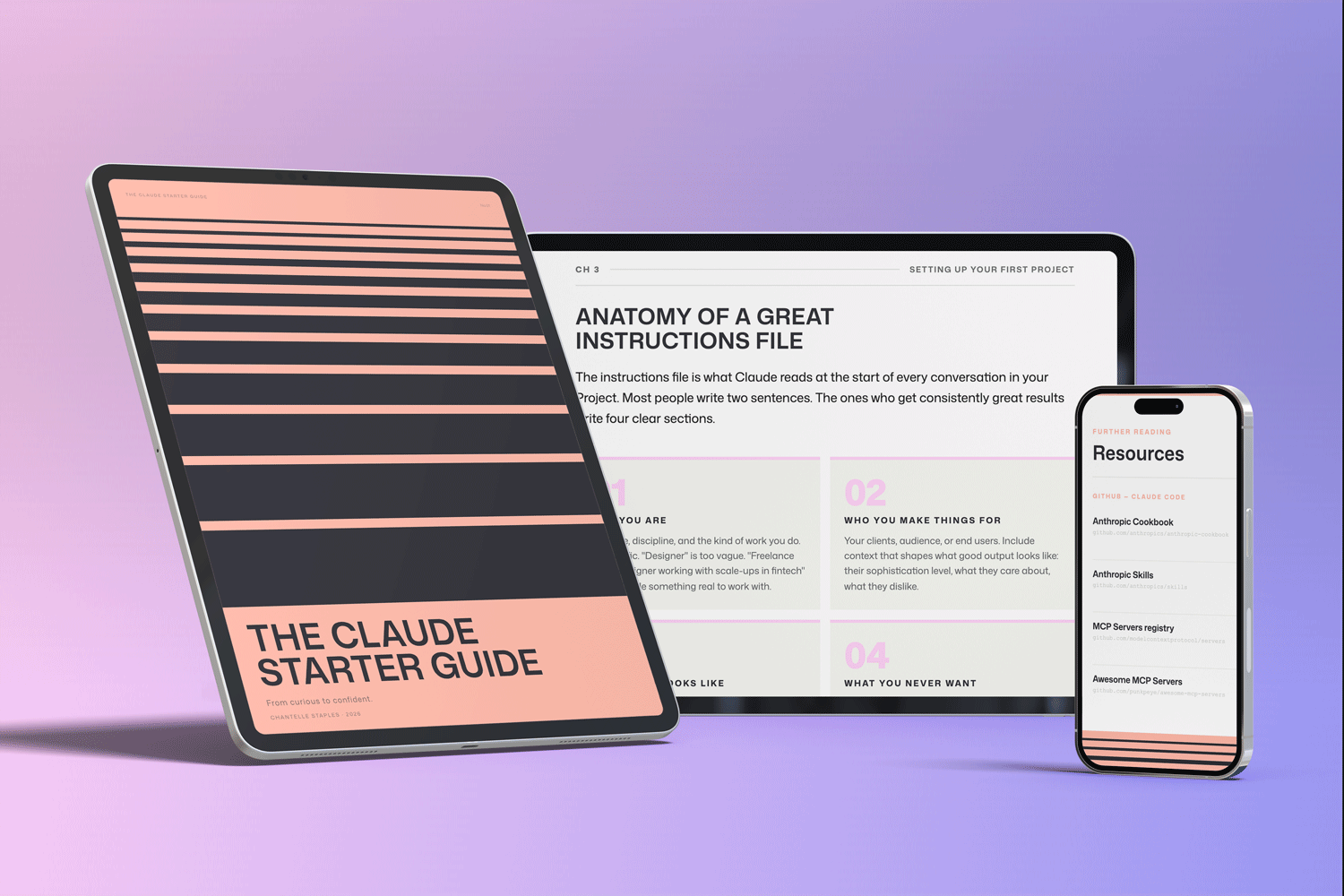
THE CLAUDE STARTER GUIDE
The complete guide to getting started with Claude.
Not sure where to start with Claude, or not getting the results you’re after? This is the guide for you.
Pre-built skills for design, product, and marketing. GitHub setup that makes sense. Step-by-step walkthroughs. Every template and workflow from this series, in one download.
You might also like
- Lost in all the Claude buzz? Here’s what actually matters
- What Claude can actually do (and most people don’t know about)
- Design isn’t what you make. It’s what you make possible.
Photo by Viktor Talashuk on Unsplash
Frequently asked questions
What is a Claude Project?
A Claude Project is a persistent workspace on claude.ai where you store instructions, reference files, and conversation history. Projects carry your context across sessions so Claude remembers your preferences and working style.
What should I put in my Claude Project instructions?
Cover who you are, what you do, how you write (tone, style, things you never say), your audience, and any standing rules. Think of it as the brief that travels with every conversation.
How many files can I add to a Claude Project?
Claude Pro Projects can hold up to 20 files. You can include brand guidelines, writing samples, reference documents, frameworks, or anything Claude needs to work well in that context.
Do I need a paid plan to use Claude Projects?
Yes. Claude Projects are a Claude Pro feature. The free plan gives access to basic conversations but not the persistent Projects workspace.
How is a Claude Project different from a regular conversation?
A regular conversation starts fresh every time — Claude has no memory of previous sessions. A Project persists. Your instructions are always loaded and Claude builds familiarity with your context over time.
Want the full picture? The Claude Starter Guide puts this and every article in the series in sequence — with exercises, worked examples, and the companion GitHub skills kit.
Leave a Reply