

GitHub sounds like something developers live in and everyone else politely ignores. I thought that for years. Then I realised it’s actually just a very well-organised filing system with superpowers, and that some of the most useful things you can do with Claude involve knowing how to use it.
I’m Chantelle Staples. I’m not a developer. But I use GitHub regularly now, and it’s changed what I can do with Claude significantly. Here’s the plain-English version of what it is, why it matters, and how to actually use it.
What is GitHub, actually?
GitHub is a place to store files, track changes to them over time, and share them with others. That’s the core of it.
The “version control” part means that every change ever made to a file is recorded. You can see what changed, when, and who changed it. You can go back to an earlier version at any time. For code, this is essential. For documents, instructions files, and Claude skill libraries, it’s also genuinely useful.
The “social” part means that people publish their work publicly, and anyone can access it. This is what makes GitHub relevant to Claude users who aren’t developers: there are thousands of pre-built Claude skills, prompt libraries, and workflow setups sitting on GitHub right now, free to download and use.
What is a repository?
A repository, usually called a repo, is just a project folder on GitHub. It contains files, a history of changes, and usually a README that explains what it is and how to use it.
When someone publishes a set of Claude skills for product designers, or a prompt library for marketers, or a ready-to-use Claude project setup, they publish it as a repository. You find it, you clone it (download it to your own computer), and you use it.
What does “cloning” a repo mean?
Cloning is just downloading. When you clone a repository, you get a complete copy of all the files on your own machine. Nothing is connected to the original after that, you can edit, delete, and adapt everything freely.
The simplest way to clone for non-technical people is GitHub Desktop, a free app that handles everything visually without needing to type commands. You find a repo you want, click the green “Code” button, choose “Open with GitHub Desktop”, and it downloads to your computer.
What kinds of Claude repos are worth knowing about?
A few categories that are particularly useful depending on what you do.
Prompt libraries, curated collections of prompts for specific use cases. Writing, research, design critique, product briefs, marketing copy. Instead of writing prompts from scratch every time, you start from something that’s already been tested and refined.
Claude skills and project templates, pre-built instructions files and project structures you can drop into your own setup. Someone has already done the thinking about what Claude needs to know for a particular context, and you inherit that work.
MCP servers, these are the connectors that let Claude talk to other tools. Many are published as open-source repos on GitHub. Want Claude to connect to a tool that doesn’t have an official connector yet? There’s often a community-built one on GitHub.
The free version of this: there are a handful of repos I’d point anyone to as a starting place. The full list, covering design, product design, product management, marketing, and more, is in the guide.
Do I need to know how to code?
No. Not for any of this.
Cloning a repo, reading an instructions file, adapting a prompt template, none of it requires coding. GitHub Desktop handles the mechanics. The files themselves are usually plain text or markdown, which is just text with some simple formatting.
Where coding starts to matter is if you want to build your own MCP servers or modify existing ones at a technical level. That’s advanced territory. For everything covered in this post, you’re fine without it.
Key takeaways
- GitHub is a version-controlled file storage system where people publish work publicly. For Claude users, the value is in the pre-built skills, prompt libraries, and project templates sitting there free to use.
- A repository is just a project folder. Cloning one means downloading it to your machine.
- GitHub Desktop makes cloning visual and simple, no command line needed.
- Three types of Claude repos worth knowing: prompt libraries, project templates, and MCP server connectors.
- You don’t need to code to benefit from GitHub as a Claude user.
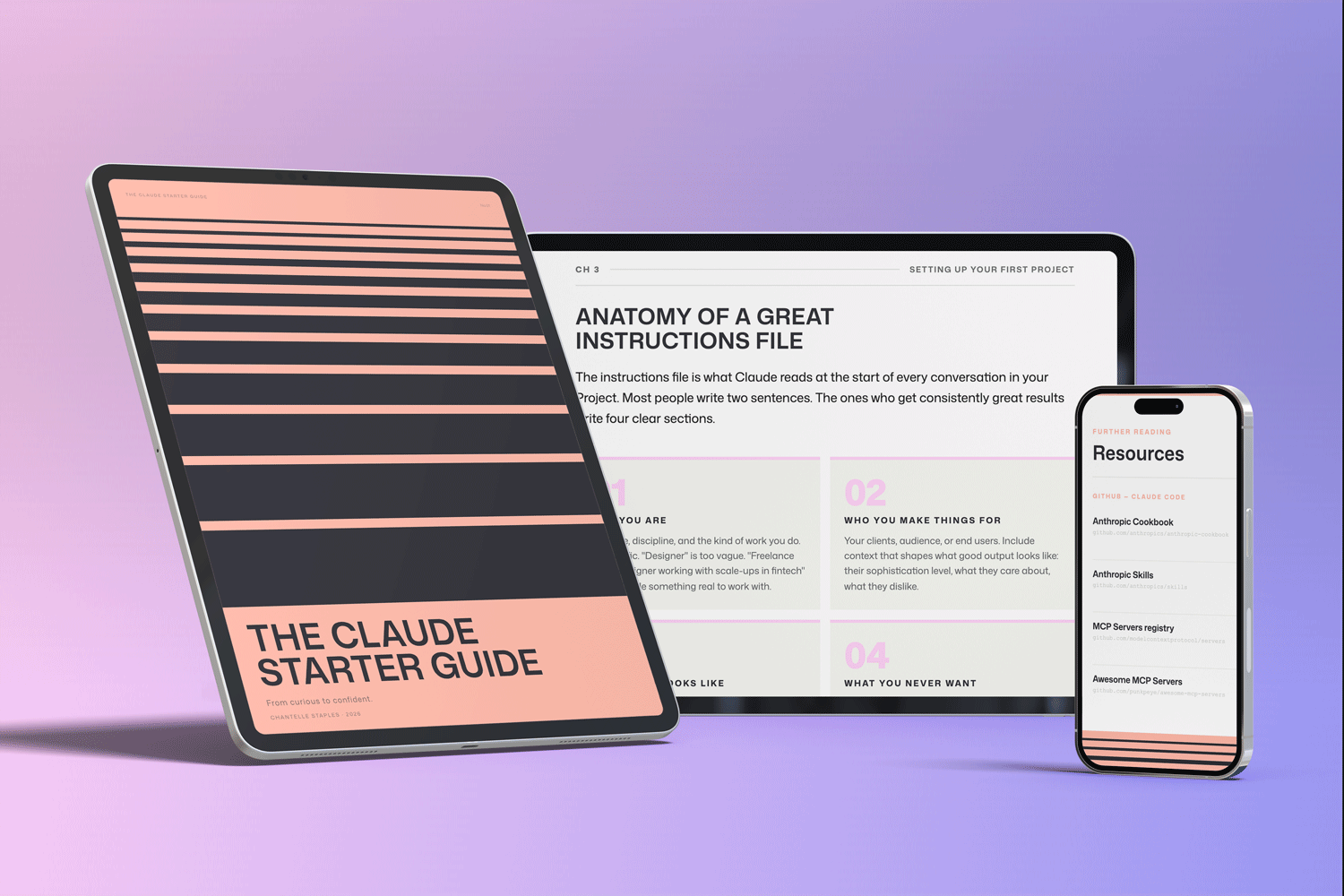
THE CLAUDE STARTER GUIDE
The complete guide to getting started with Claude.
Not sure where to start with Claude, or not getting the results you’re after? This is the guide for you.
Pre-built skills for design, product, and marketing. GitHub setup that makes sense. Step-by-step walkthroughs. Every template and workflow from this series, in one download.
You might also like
- Lost in all the Claude buzz? Here’s what actually matters
- How to write prompts that actually work
- Design isn’t what you make. It’s what you make possible.
Photo by Ilya Pavlov on Unsplash
Frequently asked questions
What is GitHub and do I need to know how to code to use it?
GitHub is a platform for storing, version-controlling, and sharing files. You do not need to code to use it for what matters to Claude users — downloading repositories and accessing pre-built skill libraries.
Why does GitHub matter for Claude users?
GitHub is where most pre-built Claude skill files, prompt libraries, and workflow templates live. Being able to clone a repository means you can download a complete working Claude setup in minutes rather than building from scratch.
What is cloning a GitHub repository?
Cloning is downloading a complete copy of a repository to your computer. You can do it with GitHub Desktop without any command-line knowledge.
What is GitHub Desktop?
GitHub Desktop is a visual app that lets you use GitHub without typing commands. For non-technical users it is the right tool — you can clone repositories, see changes, and keep files up to date with a few clicks.
How do I find Claude skill files on GitHub?
Search GitHub for Claude skills, Claude prompts, or Claude workflow. The Claude Starter Kit contains 20 pre-built skill files organised by discipline and is available on GitHub.
Want the full picture? The Claude Starter Guide puts this and every article in the series in sequence — with exercises, worked examples, and the companion GitHub skills kit.
Leave a Reply