

Everyone seems to be talking about Claude. But most of the people I speak to feel more confused after reading about it than they did before. This is the post I wish I had found when I started.
Chantelle Staples here. I have been working with Claude almost every day for the better part of a year, and the thing that strikes me most is not how capable it is. It is how quietly people give up on it.
They try it a few times. They get something that is almost right but not quite. They are not sure whether they are doing it wrong or whether the tool is just overhyped. And so they move on, back to the way things were, telling themselves they will return to it when they have more time to figure it out.
More time does not arrive, of course. And in the meantime, the gap between people who have genuinely integrated AI into how they work and people who have not keeps quietly widening.
I want to close that gap a little. So here is what actually matters when you are getting started with Claude, without the hype, without the jargon, and without the assumption that you already know what a model is.
What is Claude, really?
Claude is an AI assistant made by a company called Anthropic. You interact with it through a chat interface, which makes it look deceptively simple. You type something in, Claude responds. That exchange can feel a lot like Googling something, so it is easy to treat it the same way.
The difference is significant. A search engine finds existing information. Claude reasons through problems with you. It can hold a long conversation, remember what you said at the start of the thread, read documents you upload, look at images, draft complex documents, give you structured feedback on your own work, and produce outputs tailored specifically to your context.
The mental model shift that matters most: stop thinking of it as a search engine and start thinking of it as a thoughtful collaborator who is very fast, never tired, and has no agenda.
What is a prompt, and why does it change everything?
A prompt is simply what you type to Claude. The word has accumulated a lot of baggage, which is a shame, because it is not a technical concept. It is just a brief.
The reason prompts matter is that Claude works with what you give it. If you give it very little, it fills in the gaps with assumptions. Those assumptions are usually reasonable, but they are rarely what you actually needed. The output is technically correct and personally useless.
The shift from mediocre Claude outputs to genuinely useful ones is almost always about the quality of the brief, not the intelligence of the tool. Think about how you would brief a very capable colleague on a task. You would tell them the context, what you need, who the output is for, and what good looks like. Claude responds the same way.
That is the whole secret, really. Specific context. A clear goal. Enough information to work with.
What are Projects, and why should you care about them?
This is where things get meaningfully different from just opening a chat window.
A Claude Project is a persistent workspace. You give Claude an instructions file that explains who you are, what kind of work you do, how you like things written, and what you are trying to achieve. You can also upload reference documents, brand guidelines, examples of your work, or anything else Claude needs to understand your context.
From that point on, every conversation you start within that Project begins with Claude already knowing all of that. You stop re-explaining yourself at the beginning of every session. The outputs become immediately more relevant because Claude is not starting from zero.
It is a small thing that produces a disproportionately large improvement. Most people who feel like Claude is not quite working for them have not set up a Project yet. That single change makes the difference most of the time.
What are skills and tools, in plain English?
Once you have been using Claude for a while, you start to notice patterns. You ask for the same kind of thing repeatedly: a first draft in a particular format, feedback using a specific framework, a summary structured in a way that works for your team.
A skill file is a saved set of instructions for one of those recurring tasks. Instead of explaining the task from scratch each time, you drop in the skill file and Claude knows exactly what to do. The quality of the output goes up because the brief is always complete. The time it takes goes down because you are not writing it again.
Tools are a broader concept. In technical terms, a tool is something Claude can use to take actions, like searching the web or reading a file. For most people who are not building Claude integrations, you do not need to think about tools at all yet. What matters is skills. Reusable instructions that compound over time.
Where do people actually get stuck?
The gotchas are remarkably consistent across the people I have spoken to who have tried and struggled with Claude.
The first one is expecting Claude to read your mind. People type three words and feel disappointed when the response is generic. Claude is a collaborator, not a genie. It needs a real brief.
The second is treating every session as a fresh start. Each new conversation window begins with no memory of previous ones. If you have not set up a Project, you are starting cold every time. That explains why the outputs feel inconsistent even when you are asking similar things.
The third is accepting the first response as the final answer. Claude is designed for iteration. If the first draft is not right, tell it what is off. Push back. Ask for a different angle. The second or third version is almost always significantly better, and Claude does not take it personally.
The fourth is underestimating context length. Claude can hold a very long conversation in a single thread. You can paste in a whole document, give it detailed background, and work through something complex across many exchanges. Most people never go near this limit but assume it is more restrictive than it is.
How should you organise your Claude setup?
A useful way to think about it is in three layers.
The first layer is the Project itself, with your instructions file and any reference documents. This is your context layer. It tells Claude who you are and how to work with you.
The second layer is your skill files. Keep them in a folder you can find easily. Over time this becomes a library of reliable, tested instructions for the recurring things you do. Each skill file should do one thing well.
The third layer is your prompt library. Not every prompt becomes a skill, but some prompts are worth saving because they consistently produce good results. A simple note or document is enough. When you come back to a task six weeks later, you will be glad you kept it.
That structure, Project plus skills plus prompt library, is the foundation of an AI setup that actually compounds. Each thing you add makes the whole system more useful.
Key takeaways
Claude is a reasoning collaborator, not a search engine. The mental model matters more than most people realise.
The quality of your prompt determines the quality of the output. Treat it like a brief to a capable colleague, with context, a clear goal, and enough information to work from.
Projects are where the real improvement happens. Set one up with an instructions file and stop re-explaining yourself every session.
Most people get stuck by expecting too much from too little input, treating each session as a fresh start, or accepting the first response without iterating. All of those are fixable.
A three-layer setup, Project, skills, prompt library, builds a system that gets better the more you use it.
You might also like
- Why designers who resist AI are asking the wrong question
- What Claude can actually do (and most people do not know about)
- How to write prompts that actually work
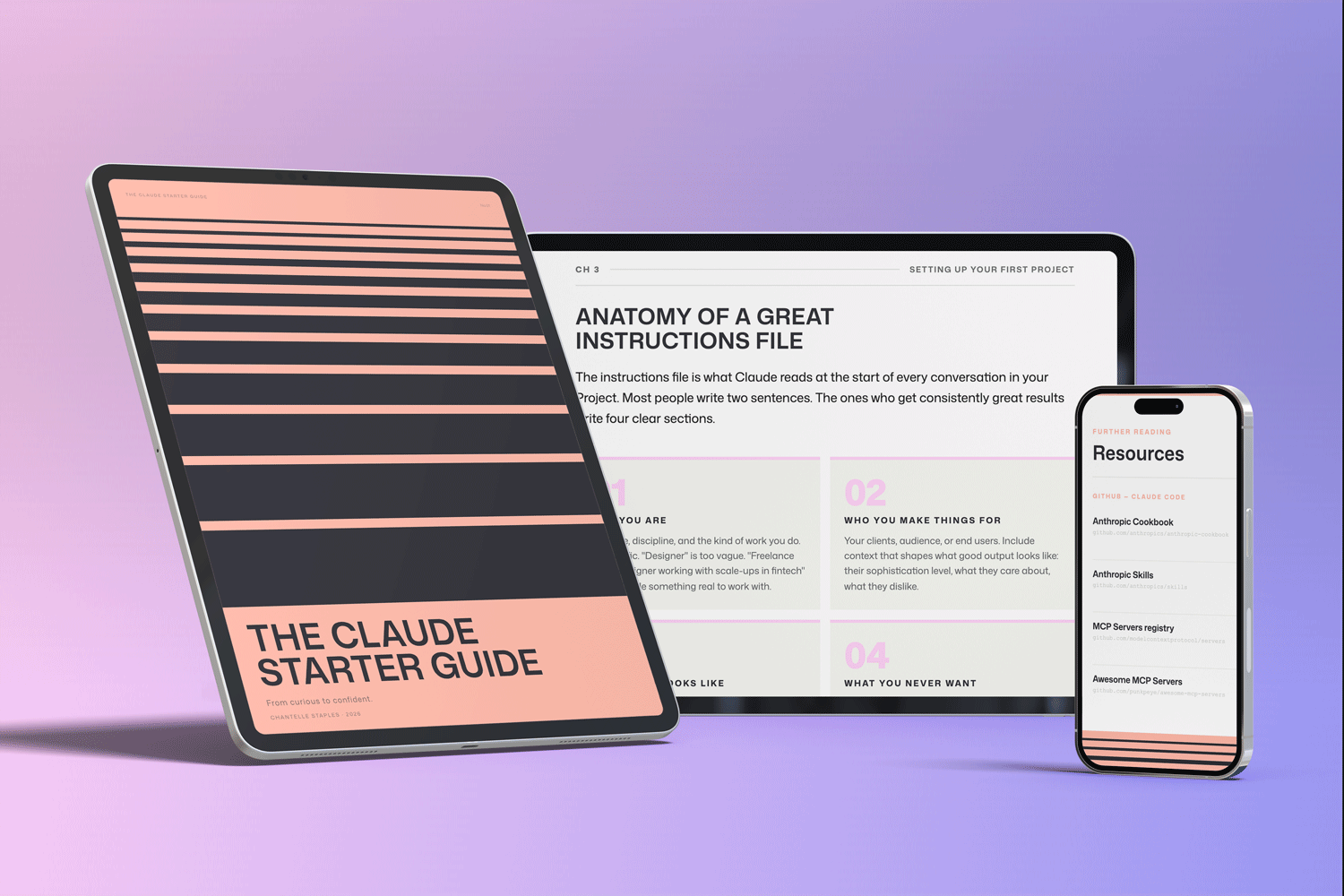
THE CLAUDE STARTER GUIDE
The complete guide to getting started with Claude.
Not sure where to start with Claude, or not getting the results you are after? This is the guide for you.
Pre-built skills for design, product, and marketing. GitHub setup that makes sense. Step-by-step walkthroughs. Every template and workflow from this series, in one download.
Frequently asked questions
What is Claude AI?
Claude is an AI assistant made by Anthropic. It can hold long conversations, read uploaded documents, analyse images, and work within Projects that remember your instructions across sessions.
Do I need to pay for Claude?
No. A free Claude account gives access to a capable version of Claude. Claude Pro unlocks Projects, higher usage limits, and more powerful models.
What is a Claude Project?
A Claude Project is a persistent workspace where you store instructions and reference files. Claude remembers your context across sessions so you never start from scratch.
What is prompt engineering?
Prompt engineering is the practice of writing instructions that get better outputs from AI. With Claude, it mostly means being more specific, more contextual, and giving Claude enough to work from.
Where do I start with Claude if I am completely new?
Start at claude.ai with a free account. Set up a Project with a short instructions file about who you are. Then read the free articles in The Claude Starter Guide series for a structured path forward.
Want the full picture? The Claude Starter Guide puts this and every article in the series in sequence — with exercises, worked examples, and the companion GitHub skills kit.
Leave a Reply