

The single biggest thing that separates people who get genuinely useful things from Claude and people who get mediocre things from Claude isn’t the model they’re using, the plan they’re on, or how technical they are. It’s the quality of what they type. That’s it. And that’s fixable.
I spent the first few weeks of using Claude frustrated. The outputs felt generic. Not wrong, exactly, just not quite right. Not quite mine. It took me longer than I’d like to admit to realise the problem wasn’t Claude. It was the brief I was giving it.
Here’s what I’ve learned about writing prompts that actually produce something worth using.
Why most prompts fail
They’re too short. Too vague. Too assumption-laden.
We’ve been trained by search engines to be brief. Google rewards keywords. Claude rewards context. Those are opposite instincts, and most people haven’t made the switch yet.
A weak prompt sounds like: “Write me a LinkedIn post about design.” A strong prompt sounds like: “Write me a LinkedIn post for designers who are new to AI. The angle is that AI doesn’t replace design thinking, it gives you more time for it. Tone: warm, direct, a little provocative. 150 words. End with a question that invites a response. Don’t start with ‘I’.”
Same task. Completely different output.
What makes a strong prompt?
Four things, every time.
- Who you are and what you’re doing
Claude doesn’t know your role, your audience, your constraints, or your context unless you say so. Start there. “I’m a product designer writing for a non-technical leadership audience” changes the output dramatically compared to nothing. - What you want. Specifically
Not “a blog post” but “a 900-word blog post structured as a personal essay, opening with a specific moment or observation, no bullet lists in the body.” The more precisely you describe the output, the closer the first draft will be. - What it should feel like
Tone, voice, energy. “Professional but warm. Like a thoughtful colleague, not a consultant.” Claude is good at matching a described feeling if you take the time to describe it. - What to avoid
The negative constraints are often more useful than the positive ones. “No jargon. No bullet points. Don’t start with a question. Don’t use the phrase ‘in conclusion’.” These feel minor but they prevent the most predictable failures.
Three prompts you can use right now
Here are three to get you started. Copy them, adjust the specifics, and notice the difference.
- For a blog post: “Write a [word count] blog post for [your audience] about [topic]. The angle is [unique perspective]. Tone: [describe it]. Open with [an observation / a moment / a question]. No bullet lists in the body. End with a reflective thought, not a CTA.”
- For feedback on your writing: “Read this and tell me where it loses momentum, where the logic is unclear, and what the single strongest sentence is. Don’t rewrite it, just diagnose it. [paste your writing]”
- For a difficult email: “I need to write an email to [recipient] about [situation]. The tone needs to be [direct but warm / firm but not aggressive / apologetic but not grovelling]. The key points are [list them]. Draft it in under 200 words. No fluff.”
The guide has a full library of 40 prompts across design, writing, research, feedback, and strategy. But these three will show you the pattern.
The iteration habit
The best prompts aren’t written once. They’re refined through conversation.
When Claude’s first response isn’t quite right, don’t start over. Tell it what’s off. “The tone is too formal, loosen it up.” “The third paragraph is the strongest,. restructure everything around that idea.” “You’ve missed the point. The post is really about X, not Y.”
Claude responds well to specific, honest feedback. The gap between the first draft and the third is often surprising. Most people never get there because they accept the first response or give up. The ones who get genuinely useful things out of it are the ones who treat it as a conversation, not a vending machine.
Key takeaways
- Prompt quality is the single biggest factor in output quality. More context, more specificity, better results.
- Every strong prompt covers four things: who you are, what you want, what it should feel like, and what to avoid.
- Negative constraints (“no jargon”, “don’t start with a question”) prevent the most common failures.
- Treat Claude as a conversation, not a one-shot query. The best outputs come from iteration, not first drafts.
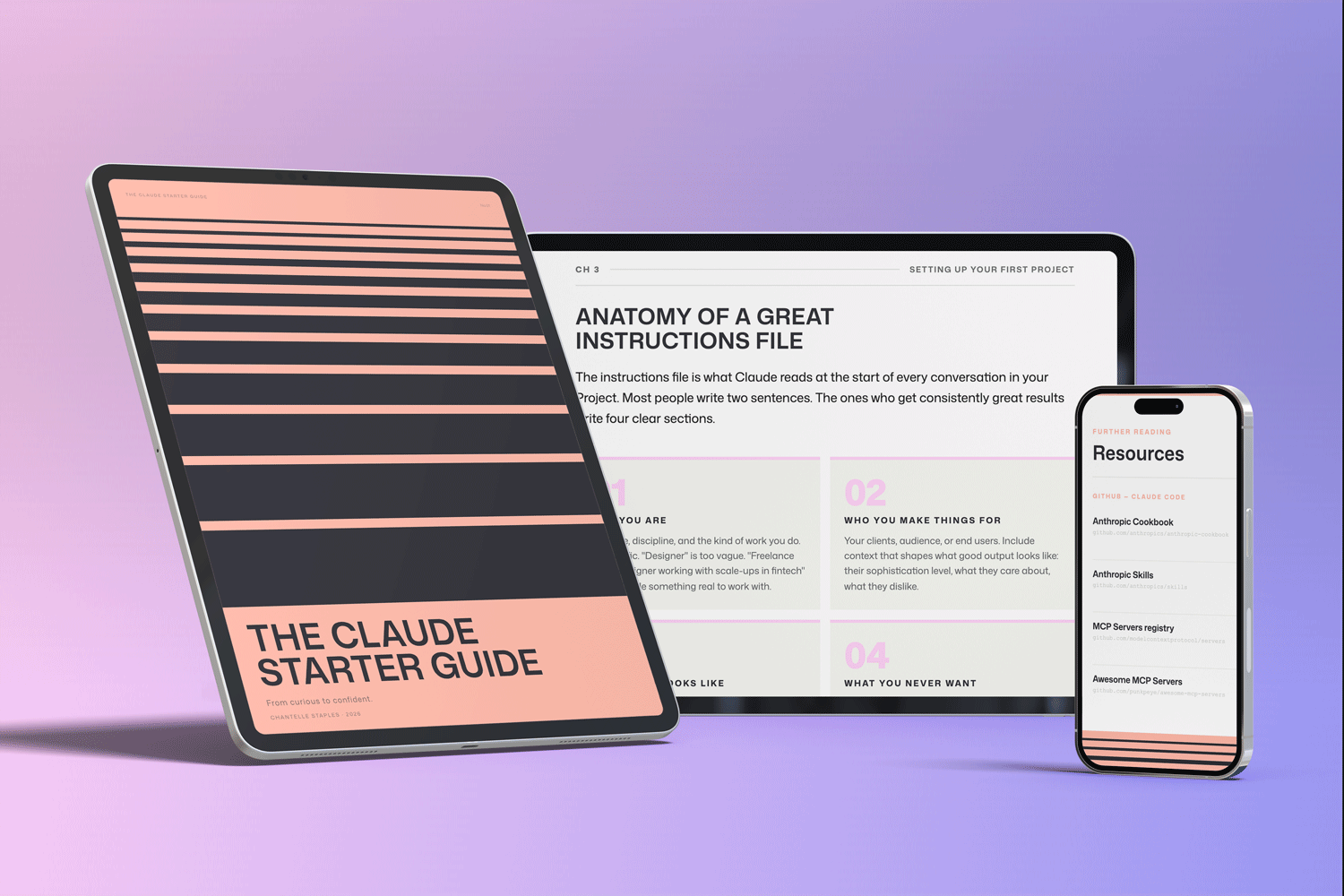
THE CLAUDE STARTER GUIDE
The complete guide to getting started with Claude.
Not sure where to start with Claude, or not getting the results you’re after? This is the guide for you.
Pre-built skills for design, product, and marketing. GitHub setup that makes sense. Step-by-step walkthroughs. Every template and workflow from this series, in one download.
You might also like
- Lost in all the Claude buzz? Here’s what actually matters
- What Claude can actually do (and most people don’t know about)
- Design isn’t what you make. It’s what you make possible.
Photo by Unseen Studio on Unsplash
Frequently asked questions
What makes a good Claude prompt?
A good prompt is specific, contextual, and constrained. It tells Claude who the output is for, what it needs to do, what tone to use, and what success looks like. The more you narrow the brief, the further Claude moves from generic.
How long should a Claude prompt be?
As long as it needs to be. Unlike search engines that reward brevity, Claude rewards context. A 200-word prompt will almost always produce better output than a 10-word one.
What do I do when Claude gives a generic response?
Add more specificity. Generic outputs almost always mean the brief was too thin. Add constraints: who is the audience, what is the angle, what should it sound like, what should it definitely not do.
Can I give Claude examples to follow?
Yes — and you should. Including one or two examples of the style or format you want is one of the most effective techniques. Claude learns from examples faster than from description alone.
What is prompt iteration?
Prompt iteration is refining output through follow-up instructions rather than starting over. Tell Claude specifically what to change: make this shorter, shift the tone, cut the third paragraph.
Want the full picture? The Claude Starter Guide puts this and every article in the series in sequence — with exercises, worked examples, and the companion GitHub skills kit.
Leave a Reply