
I keep meeting people who’ve been using Claude for months and don’t know that it can see images. Or that it can read a 200-page PDF. Or that it can connect to their calendar. Most people are using about a quarter of what’s there. This is the rest of it.
The basic version of Claude, type something, get a response, is genuinely useful. But it’s also a bit like buying a Swiss Army knife and only ever using the small blade.
I’m Chantelle Staples, and I’ve been deep in the Claude ecosystem long enough to know that the gap between what most people think Claude can do and what it actually can do is significant. Here’s what’s actually in the toolkit.
What are Claude Projects?
Projects are persistent workspaces inside Claude.ai. Unlike a regular conversation, which starts fresh every time, a Project remembers your instructions, holds reference files, and carries context across sessions.
This is how you solve the most common frustration people have with Claude: having to re-explain yourself every time. You tell it once, in your Project instructions. It carries that forward indefinitely.
Each Project can hold uploaded files too. Brand guidelines, writing samples, a spreadsheet, a brief. Claude can read them all and work from them without you having to paste anything in.
Can Claude actually see images?
Yes. You can paste a screenshot, upload a photo, share a design file, or drop in a PDF and Claude will read it, analyse it, and respond to it.
For designers this is particularly useful. Share a competitor’s website screenshot and ask what’s working and what isn’t. Upload a wireframe and ask for feedback. Paste in a brand guide and ask Claude to write copy that matches the visual language. The ability to bring visual context into the conversation changes quite a lot about how useful it can be.
What is MCP and why does it matter?
MCP stands for Model Context Protocol. It’s the standard that lets Claude connect to external tools and services. Think of it as the plug socket that everything else plugs into.
In practice, this means Claude can connect to your Google Drive, your calendar, your project management tool, your website, your CRM. Not just read from them, but act on them. Create a calendar event. Update a document. Post a draft. The integrations are called connectors, and they’re available in Claude.ai’s settings.
This is where the difference between a tool and an agent starts to become real. With MCP, Claude isn’t just answering questions in a chat window. It’s operating across the tools you actually use.
What is computer use?
Exactly what it sounds like. Claude can see your screen and control it. Click buttons, fill in forms, navigate websites, take screenshots, move between applications.
This is available in Claude Code (the more powerful desktop version) rather than the standard claude.ai interface. It’s the capability that makes truly autonomous workflows possible. Instead of Claude telling you what to do, it does it.
What are the different Claude models?
There are three main ones and they’re worth understanding because they’re designed for different things.
Haiku is fast and cheap. Good for simple, repetitive tasks where speed matters more than depth. Sonnet is the balanced everyday model. Most people use this without realising it, it’s the default for good reason. Opus is the deepest thinker. Slower, more expensive, but meaningfully better on complex reasoning, nuanced writing, and multi-step problems.
For most things, Sonnet. For anything where the quality of the thinking really matters, Opus.
What is memory, exactly?
Memory is Claude’s ability to retain information across conversations. It’s still developing, but the practical version of it right now is Projects: you write what you want Claude to remember into your instructions file, and it carries that forward.
The important thing to understand is that memory doesn’t happen automatically. You architect it. You decide what Claude needs to know, write it down, and put it somewhere Claude can always read it. That’s not a limitation so much as a design choice, it keeps you in control of what Claude knows about you and your work.
Key takeaways
- Projects give Claude persistent memory and a place to store your reference files. This is how you stop re-explaining yourself every session.
- Claude can read images, screenshots, PDFs, and design files. Visual context changes how useful it can be for creative work.
- MCP connects Claude to your actual tools, calendars, drives, websites, CRMs. Connectors are available in Claude.ai settings.
- Computer use lets Claude operate your screen autonomously. Available in Claude Code.
- Three models: Haiku (fast), Sonnet (balanced, the default), Opus (deep). Choose based on the complexity of the task.
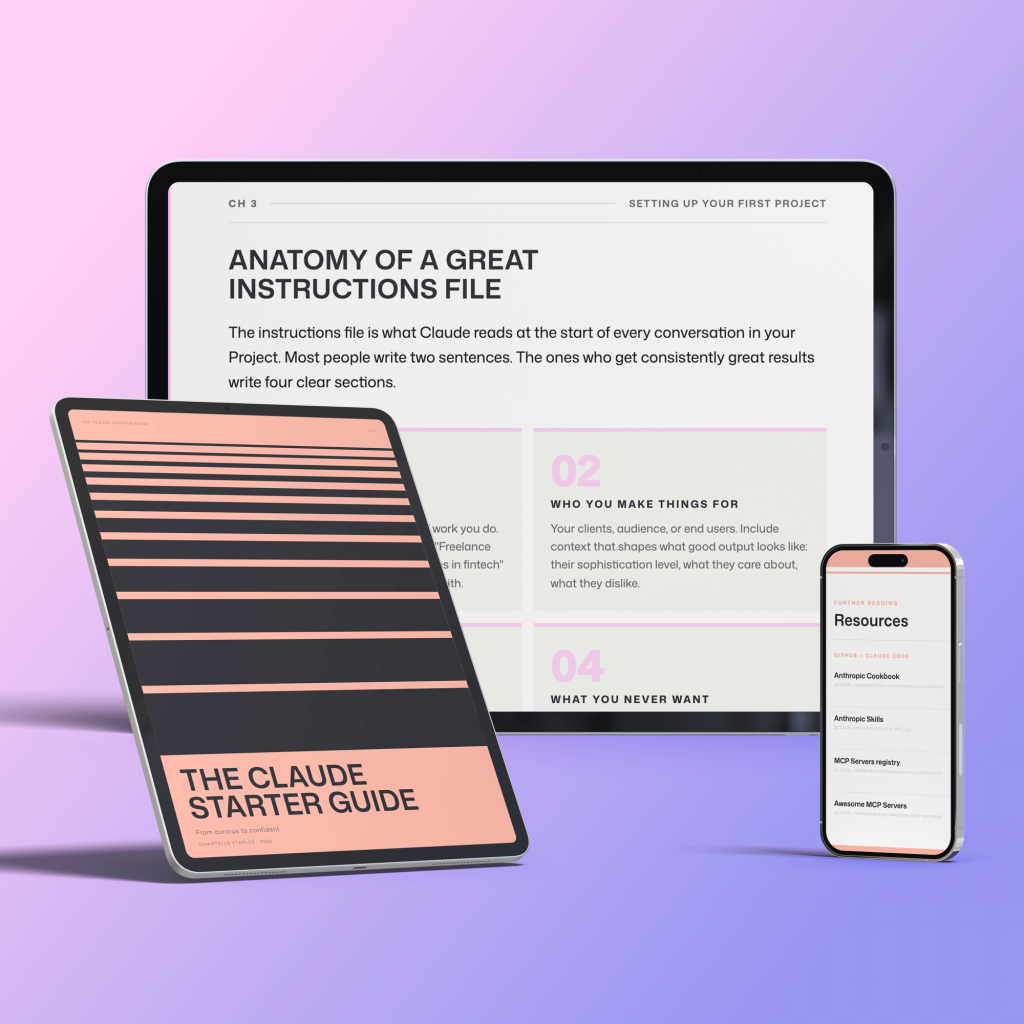
From curious to confident
THE CLAUDE STARTER GUIDE
The complete guide to getting started with Claude.
Not sure where to start with Claude, or not getting the results you’re after? This is the guide for you.
Pre-built skills for design, product, and marketing. GitHub setup that makes sense. Step-by-step walkthroughs. Every template and workflow from this series, in one download.
You might also like
- Design isn’t what you make. It’s what you make possible.
- Lost in all the Claude buzz? Here’s what actually matters
- The goal has to be bigger than the feeling
Frequently asked questions
What are Claude Projects?
Claude Projects are persistent workspaces where you store instructions and reference files. Claude remembers your context across all conversations within a Project, so you never have to re-explain who you are or what you need.
Can Claude actually see images?
Yes. Claude has vision capabilities and can analyse photographs, screenshots, diagrams, and documents you upload. It can describe what it sees, identify text within images, and answer specific questions about visual content.
What is MCP?
MCP stands for Model Context Protocol. It is a way to connect Claude to external tools, apps, and data sources so it can take actions beyond the chat window, like reading files, browsing the web, or interacting with other software.
Which Claude model should I use?
For most everyday tasks, Claude Sonnet is the best balance of speed and capability. Claude Haiku is faster and cheaper for simpler tasks. Claude Opus is the most capable model for complex reasoning. You can switch between them within the same Project.
Does Claude remember previous conversations?
Only within a Project. A standard chat window starts fresh each time. Set up a Claude Project with an instructions file and Claude will carry your context into every new conversation within that Project automatically.
Want the full picture? The Claude Starter Guide puts this and every article in the series in sequence — with exercises, worked examples, and the companion GitHub skills kit.
Leave a Reply