
Most people trying to build an AI design workflow start by asking which tools to buy. That is the wrong first question. A workflow is not a stack of tools. It is a sequence of decisions with the volume work stripped out, and you can design that sequence before you install a single thing.
I have rebuilt my own workflow from the ground up over the last couple of years, most intensively while building an agent-based Design Ops system at Drova. I made most of the obvious mistakes so you can skip them. The biggest one was treating AI as an accelerator bolted onto my old process, instead of a reason to rethink the process itself.
So here is how I would build an AI design workflow in 2026 if I were starting today, in the order that actually matters. Not the tools. The shape.
Table of Contents
How do you build a design workflow with AI in 2026?
Build it in four moves: capture your intent in reusable briefs, put AI on the high-volume and non-visual work, keep the judgement and decisions with yourself, and set up context once so you are not re-explaining yourself every session. The tools slot into that shape afterwards. Design the sequence first, then buy for it.
The mistake I see everywhere is people starting with the tool and hoping a workflow emerges. It does not. You end up with a faster version of a process you never questioned, which is how teams generate more mediocre work than ever and call it productivity. Speed with no direction is just faster wrong.
Let me walk through the four moves.
Move one: make your intent reusable
The first thing to build is not in any app. It is a set of reusable briefs that hold your intent, your constraints, and your standard of good.
This is the highest-leverage artefact you own now, and I have written a whole post on why the AI design brief became more important than the deliverable it produces. The short version: AI fills every gap you leave with the most average answer available, so anything you do not specify gets averaged. A good brief is you claiming that space before the machine fills it for you.
Write these once and reuse them. Your constraints and quality references barely change between projects, so rewriting them from memory each time is just an invitation for drift. I keep mine as templates that get consumed directly by our design agents, which turned briefing from a one-off task into infrastructure. That word matters. In 2026 your workflow is infrastructure you build, not a habit you repeat.
Move two: give AI the volume, keep the decisions
Now decide the division of labour, and be strict about it.
AI takes the high-volume and non-visual work: research synthesis, first drafts, variants, documentation, the meeting-notes-to-brief translation, the connective writing between design and engineering. You keep the decisions: what should exist, which of the ten options is right, where the quality bar sits, what you are deliberately not doing.
Get this boundary wrong in the exciting direction, letting AI make the creative calls, and you get competent, generic work at high speed. I know because I did it. The first time I briefed one of our agents the way I would brief a capable mid-level designer, the output ignored none of my instructions and was completely wrong for us, because everything that made the work ours had been living in my head. The agent did not fail. My workflow had no place to hold my judgement yet.
The rule I settled on: if a task has a defensibly correct answer once the context is set, it can move to AI. If it needs taste, it stays with me. Most disappointing AI output traces back to a decision that quietly slipped across that line.
Move three: set up context once, not every time
The difference between a workflow that saves you hours and one that wastes them is whether you set up context once or re-explain yourself every session.
An AI tool with no memory of your brand, your system, your standards, and your past decisions is a talented stranger you re-hire every morning. The setup work, the projects, the skills, the templates, the reference material, is what turns that stranger into a colleague who already knows how you work. This is the single biggest predictor I have seen of whether someone gets real value from AI or bounces off it after a week.
It is unglamorous and it is the whole game. I put the entire method into a Claude starter guide precisely because “set up your context properly” is easy to say and fiddly to do, and almost nobody does it until someone walks them through it. The teams getting compounding returns from AI are the ones whose context is written down once and reused, not re-typed daily.
Move four: review the workflow like you review designs
The last move is a habit, not a tool. Treat your workflow as a thing you design, critique, and iterate, exactly the way you would a product.
I review my briefs the way I used to review screens, and the correlation is direct: the quality of the brief predicts the quality of the output more reliably than the choice of model ever has. Every few weeks I ask what is still taking too long, which decisions I keep re-making, and where the output is drifting toward average. Then I fix the workflow, not just the output. A workflow you never revise decays, because your standards rise and your templates do not follow unless you drag them along.
This is the part that separates a workflow from a pile of tools. Tools are static. A workflow is something you tend.
Where this leaves you
If you build only one thing this year, build the reusable brief. It is the move that makes every other move work, and it costs nothing but honesty about what you actually want.
Everything I have described is really one idea wearing four hats: design is shifting from making things to making things possible, and your workflow is where that shift either happens or stalls. The designers pulling ahead in 2026 are not the ones with the newest tools. They are the ones who redesigned their process to put judgement at the centre and let the machine carry everything around it.
So do not start by asking which AI tool to buy. Start by asking what only you can decide, and build the workflow that protects your time to decide it.
—
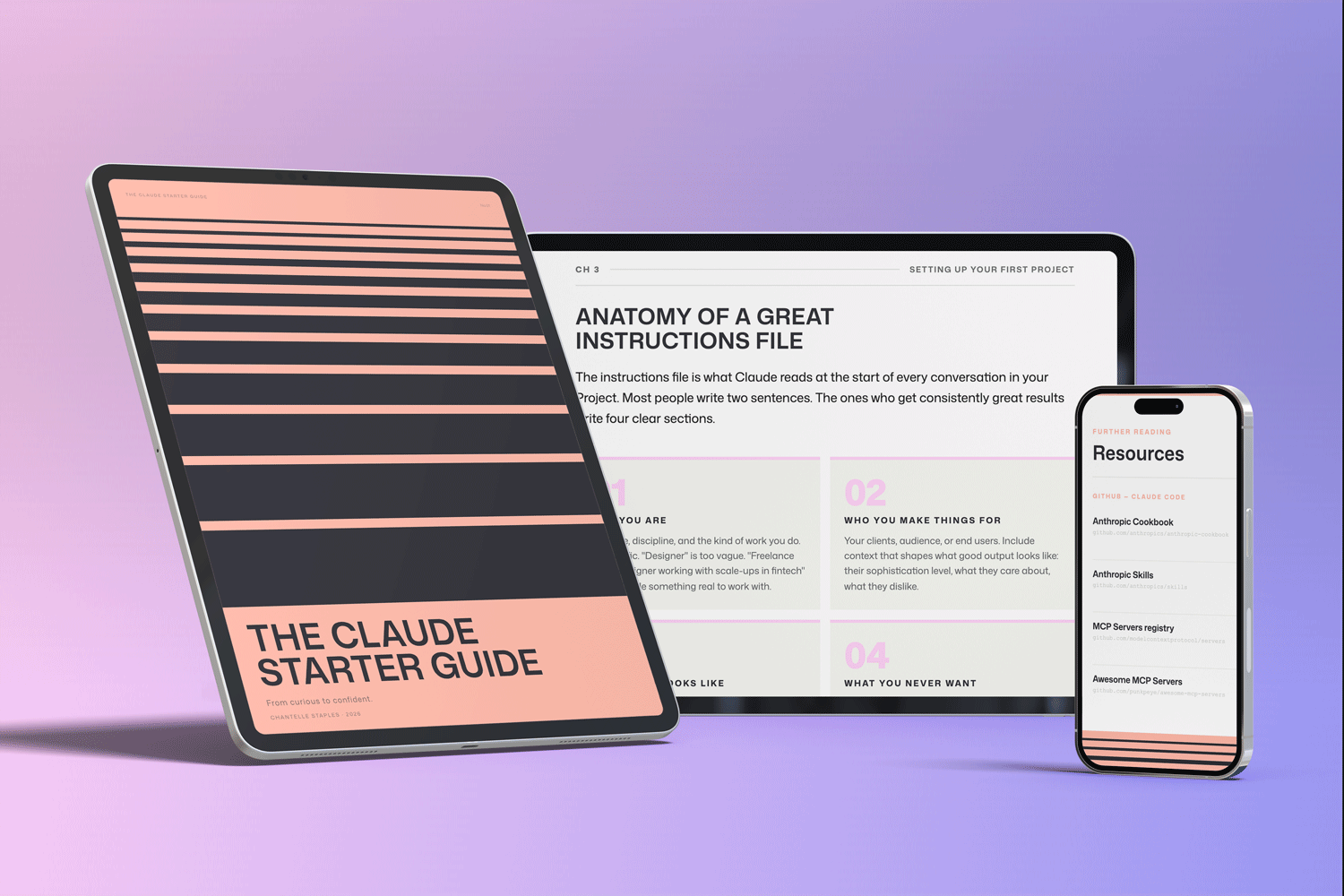
THE CLAUDE STARTER GUIDE
The complete guide to building an AI workflow that actually holds your intent.
Buying the guide also unlocks my companion GitHub repo, with the reusable briefs, skills, and context setup from this post, ready to install.
GitHub setup that makes sense. Step-by-step walkthroughs. Every template from this series, in one download.
Frequently asked questions
How do you build a design workflow with AI in 2026?
Build it in four moves: capture your intent in reusable briefs, put AI on the high-volume and non-visual work, keep the decisions and judgement with yourself, and set up your context once so you are not re-explaining yourself every session. Design that sequence first, then choose tools to fit it. A workflow is a sequence of decisions, not a stack of tools.
What is the first thing to set up in an AI design workflow?
Reusable briefs that hold your intent, constraints, and standard of good. AI fills any gap you leave with the most average answer available, so the brief is where you claim that space in advance. It is the highest-leverage artefact in the whole workflow and it lives outside any tool.
What should AI do and what should the designer keep?
AI should take the high-volume and non-visual work: research synthesis, first drafts, variants, documentation, and connective writing. The designer keeps the decisions: what should exist, which option is right, where the quality bar sits, and what to deliberately avoid. If a task needs taste, it stays with the human.
Why do most AI design workflows fail?
Because people start with the tool instead of the process, and end up with a faster version of a process they never questioned. Speed with no direction just produces more mediocre work. The workflows that compound are the ones where intent is written down once, context is set up properly, and judgement stays at the centre.
Want the four moves already built? The Claude Starter Guide comes with the reusable briefs, skills, and context setup on GitHub, so your workflow starts assembled instead of blank.
Leave a Reply