
Every week there is a new “50 AI tools for designers” list, and every week it is mostly noise. The honest number is much smaller. I use a handful of tools daily, and what matters is not the logos, it is what each one quietly replaced in how I work.
I want to do something the tool round-ups never do, which is tell you what these things actually displaced. A tool is only interesting because of the old behaviour it kills. Otherwise it is a subscription you forget to cancel.
So this is not a ranked list of the best AI tools for UX designers. It is a short, honest account of what I reach for, what it replaced, and where it still lets me down. If you are drowning in options, my hope is this narrows the field rather than widening it.
Table of Contents
What AI tools do UX designers actually use?
My core is small: a large language model for thinking and writing, prototyping in code against my own design system, a generative image tool, and a traditional design tool for the occasional fast sketch. The specific brands matter less than the category, and I use three or four tools well rather than twenty badly.
That last sentence is the whole point. The people getting real leverage are not the ones who trialled everything. They are the ones who went deep on a few, learned the sharp edges, and built habits around them. Breadth is a procrastination strategy dressed up as research.
Here is my actual short list, and what each one took over.
The language model, which replaced the blank page
The tool I open most is not a design tool at all. It is a large language model, and in my case that is Claude, running with my own project setup and skills.
What it replaced is the blank page and most of my meeting-notes admin. I use it to synthesise research, to turn a rambling stakeholder request into a structured brief, to draft component documentation, to pressure-test a decision before I commit to it. None of that is glamorous. All of it used to eat hours.
The reason it sits at the centre of my AI-assisted design workflow is that language is the connective tissue of design work. The brief, the rationale, the release note, the “here is why we did this” email, all language. A model that is genuinely good at language quietly absorbs a third of the job that was never visual to begin with.
Where it still lets me down: it will confidently give you the most average answer unless you have set it up with real context. Out of the box it is a talented generalist with no taste. The work is in the setup, which is exactly why I wrote a whole Claude starter guide about it.
Prototyping in Claude, which replaced the Figma file
Here is where my workflow probably differs most from the tool round-ups: I barely use Figma anymore. My main production surface is prototyping in Claude, working directly against our own repo, which carries our true design system components, our tokens, our copywriting skills, and our brand guidelines.
That is the part that changes everything. It is not a generic model drawing generic screens. It is AI building with our actual components, in our actual design language, so what comes out is already ours instead of an average of the internet’s idea of a dashboard. The old loop was: design a static mockup, hand it over, watch it get rebuilt and drift. The new loop is: prototype something real and behaving, inside the real system, from the first pass.
Nielsen Norman Group’s survey of more than 800 UX professionals found that AI adoption runs far higher for text tasks than for design-specific ones, partly because the tools were never specialised for design work. You can read the detail in their piece on AI as a UX assistant. Prototyping against your own design system is how you close that gap. You stop asking a general model to imagine your product and start letting it build inside the constraints that make the product yours.
This is also where the future of design leadership is heading, in my view. The designers who can prototype in code, even roughly, close the distance between design and engineering that has cost our profession credibility for twenty years. You do not need to be a strong coder. You need a design system the AI can build from, and the willingness to stop treating code as someone else’s language.
Where it still lets me down: it is only ever as good as the system behind it. Point it at a thin or messy design system and you get thin, messy output, fast. The prototyping is powerful because the repo underneath it is disciplined, not the other way around.
Image and asset generation, which replaced the stock-photo tab
For marketing surfaces, illustration exploration, and quick concept imagery, generative image tools replaced the endless stock-photo browsing and a chunk of “can you just mock up a rough version” requests.
At Drova I have used AI-generated imagery and characters in real campaigns, which taught me the boundary fast. It is excellent for exploration and for on-brand marketing visuals once you have wrestled it into your style. It is a liability the moment precision matters, because it does not understand your design system, your accessibility requirements, or why the logo has to sit exactly there.
Which is the recurring theme with every tool on this list. AI generation is a wonderful intern and a terrible authority.
Where Figma still fits
I have not deleted Figma. It just changed jobs.
These days it comes out for one specific thing. When an idea is already clear and concrete in my head, after I have concepted it with AI, sometimes I can sketch the rough shape faster than I can describe it in a prompt. So I draw it and hand Claude the mockup as a starting point. Figma became an input to the prototype, not the place the work lives.
That is a real demotion from where it used to sit, and I am fine with it. A tool earns its place by being the fastest way to do a specific thing, and for “get a concrete picture out of my head quickly”, a quick sketch still wins. Everything downstream of that goes into the prototype.
The point was never Figma versus code. It is knowing which tool is fastest for the exact step you are on, and being willing to let the answer change.
The tools you should probably ignore
For balance: most single-purpose “AI [does one design task]” tools are not worth the tab. If a capability is genuinely useful, the model at the centre of your workflow usually absorbs it within a version or two, and you are left maintaining a subscription for something you already own.
My rule is simple. Adopt a tool when it replaces a behaviour you can name. If you cannot say the old habit it kills, you are collecting tools, not building a workflow. And a shelf of unused AI tools is just the modern version of a Figma file full of components nobody uses.
The best AI tool for a UX designer is the boring one you have set up properly and use every day. Everything else is a demo you enjoyed once.
—
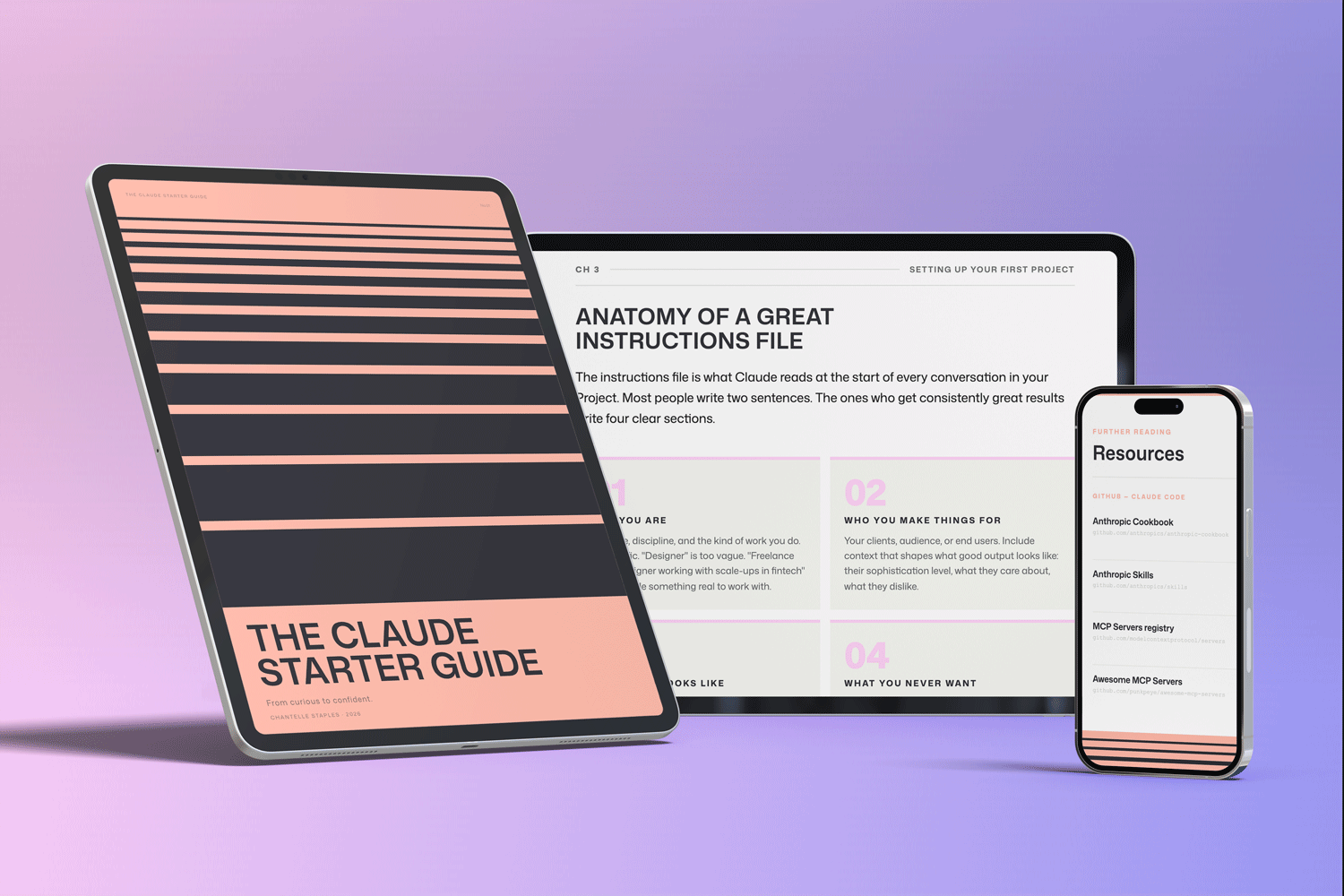
THE CLAUDE STARTER GUIDE
The complete guide to getting started with Claude, the tool at the centre of my workflow.
Buying the guide also unlocks my companion GitHub repo, with pre-built skills for design, product, and marketing, so the tool arrives already set up with taste instead of averages.
GitHub setup that makes sense. Step-by-step walkthroughs. Every workflow from this series, in one download.
Frequently asked questions
What AI tools do UX designers actually use?
A small core: a large language model for thinking, writing, and research synthesis; prototyping in code against a real design system for production; a generative image tool for concepts and marketing visuals; and a traditional design tool like Figma for the occasional fast sketch. The category matters more than the brand, and using three or four tools well beats using twenty badly.
What is the most important AI tool for a designer?
A well set-up large language model, because so much of design work is language: briefs, rationale, documentation, and research synthesis. It sits at the centre of the workflow and absorbs the non-visual work that used to consume hours. Its value depends almost entirely on how much real context you give it.
Which AI tool do designers underrate the most?
Prototyping in code against their own design system. Most UX designers still think production means Figma, but prototyping in a real repo, with your true components, tokens, and brand language, produces work that is already yours instead of a generic average, and it closes the long-standing gap between design and engineering. You do not need to be a strong coder, you need a disciplined design system the AI can build from.
How do I choose which AI design tools to adopt?
Adopt a tool only when it replaces a behaviour you can name. If you cannot say which old habit it kills, you are collecting tools rather than building a workflow. Going deep on three or four tools produces far more leverage than trialling everything.
Want the tool at the centre, already set up? The Claude Starter Guide comes with the full skills kit on GitHub, so your core tool arrives with context and taste instead of generic defaults.
Leave a Reply