

There’s a version of using Claude where you start from scratch every single time. New conversation, re-explain who you are, re-describe what you want, get a generic first draft, iterate up from there. It works. It’s just slow. There’s a better version. Here’s how to build it.
The shift from using Claude to building with Claude is a real one. It’s the difference between having a capable assistant you brief from zero every morning and having one who already knows how you work, what you care about, and how to produce something that sounds like you on the first try.
I’m Chantelle Staples. Here’s how that shift actually happens.
What is a reusable skill?
A skill is a set of standing instructions that travel with Claude into every relevant session. Instead of explaining your voice, your audience, your rules, and your preferences every time, you write them down once in a way Claude can always access.
The most basic version is a Project instructions file. You write: here’s who I am, here’s what I do, here’s how I write, here’s what I never do. Claude reads it at the start of every conversation in that Project and operates accordingly.
A more developed version builds out from there. Separate skills for different contexts. A writing skill that knows your voice. A research skill that knows your evaluation criteria. A feedback skill that knows the dimensions you care about.
What makes a good template?
A template is a prompt structure you’ve tested and know works, with the specific details left blank for each use.
The first time you write a brief for a blog post, you’re figuring it out. The fifth time, you know what Claude needs. The template is what you’d write if you were setting up the sixth time. All the structural decisions locked in, all the variable information left as placeholders.
Good templates have four things: context placeholders (who is this for, what is this about), format instructions (word count, structure, what to avoid), tone instructions (what it should feel like, what it definitely shouldn’t), and success criteria (what does a good output look like here).
How does memory compound over time?
Every time you iterate on a skill or a template based on what didn’t quite work, you’re encoding that learning permanently. The next session starts from a higher floor.
This is the compounding that makes Claude genuinely more useful the longer you use it, not because Claude gets smarter, but because the briefing infrastructure you build around it gets more precise. You stop losing time to the same friction points. You stop explaining the same things. The gap between what you ask for and what you get narrows steadily.
It’s the same principle I think about in design systems. Encode good decisions once. Let them scale.
Where do you store all of this?
In your Claude Project, for the instructions and templates you use most. On GitHub, for anything you want to version, share with a team, or access across multiple machines.
The previous post in this series covers GitHub in plain English. The short version: it’s where your skill library lives when it’s grown beyond a single Project. And it’s where you access other people’s already-built skill libraries.
How do you know when a skill is ready to formalise?
When you’ve used the same prompt structure three or more times and got a consistently good result, it’s ready to be a template. When you’ve explained the same context to Claude across multiple sessions, it’s ready to be a skill.
The trigger is repetition. If you’re saying the same thing to Claude more than twice, write it down and make it permanent.
Key takeaways
- Skills are standing instructions that replace repetitive context-setting. Write them once, use them always.
- Templates are prompt structures you’ve tested and know work. Lock in the structural decisions, leave the specific details as placeholders.
- Every iteration on a skill or template encodes learning permanently. The floor rises over time.
- The trigger for formalising: if you’ve said the same thing to Claude more than twice, it should be a skill or template.
- Store skills in your Claude Project for everyday use; on GitHub for versioning, sharing, and access across machines.
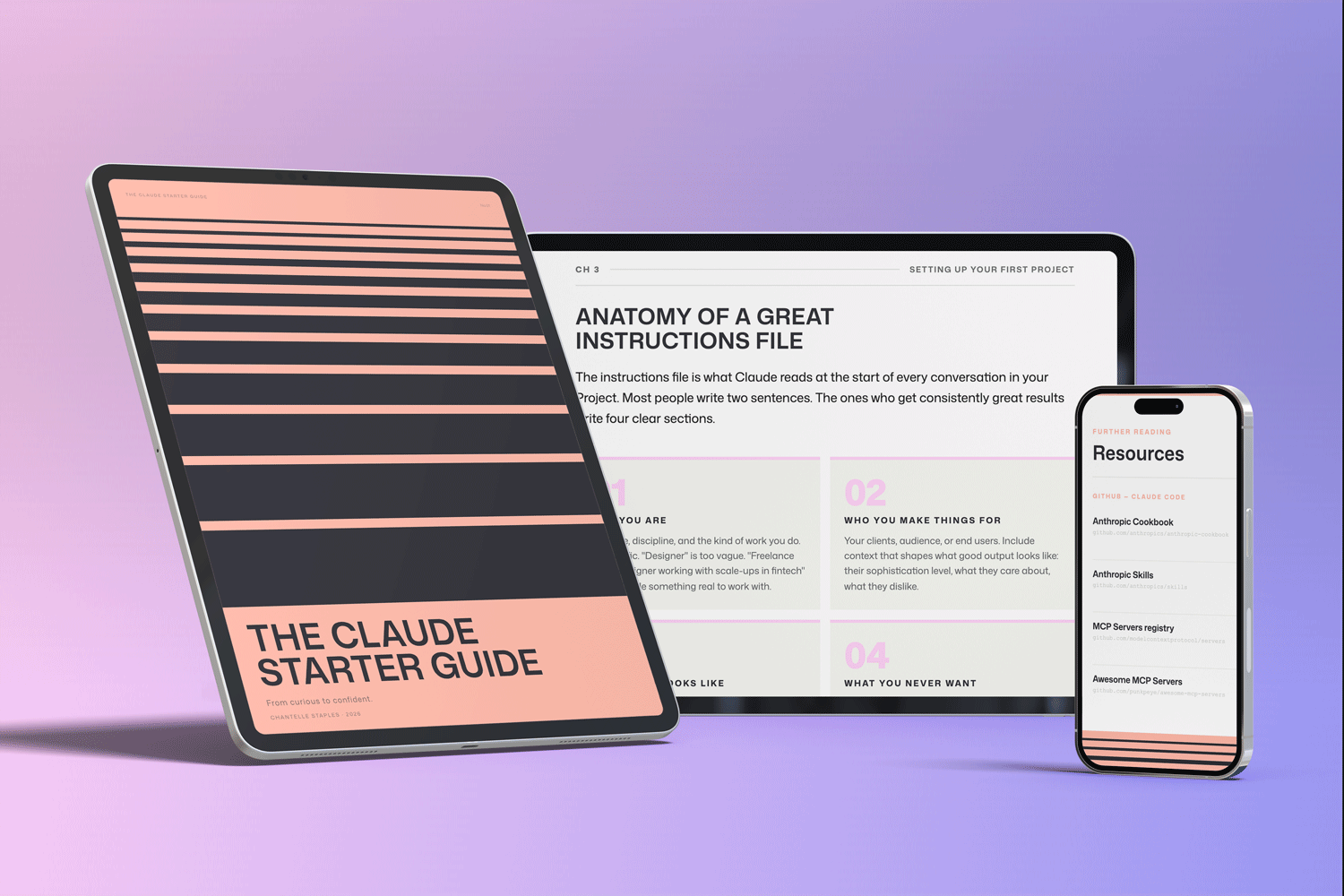
THE CLAUDE STARTER GUIDE
The complete guide to getting started with Claude.
Not sure where to start with Claude, or not getting the results you’re after? This is the guide for you.
Pre-built skills for design, product, and marketing. GitHub setup that makes sense. Step-by-step walkthroughs. Every template and workflow from this series, in one download.
You might also like
- Lost in all the Claude buzz? Here’s what actually matters
- How to set up your first Claude project
- The Claude workflows that save creatives hours every week
Photo by Imagine Buddy on Unsplash
Frequently asked questions
What is a reusable Claude skill?
A Claude skill is a set of standing instructions that travel with Claude into every relevant session. Instead of re-explaining your preferences each time, you write them once and store them where Claude can always access them.
How do I build a skills library for Claude?
Start with one skill file describing how you write, who your audience is, and what your rules are. Store it in your Claude Project. As you identify patterns in what you keep explaining, write them down as additional skills.
What is the difference between a Claude skill and a prompt?
A prompt is a one-off instruction for a specific task. A skill is standing context that shapes how Claude operates across many tasks. Skills make your prompts shorter and more effective.
How many skills should I have?
Start with one universal skill covering your general working style. Add role-specific skills as you identify repeated patterns. The Claude Starter Kit includes 20 pre-built skills across design, product, marketing, and universal disciplines.
Want the full picture? The Claude Starter Guide puts this and every article in the series in sequence — with exercises, worked examples, and the companion GitHub skills kit.
Leave a Reply