
“AI-assisted design” has become one of those phrases everyone nods along to and nobody defines. Most people picture a designer typing a prompt and getting a screen back. In practice it looks almost nothing like that. The assistance is real, but it lands in the parts of the job nobody photographs.
I get asked what AI-assisted design actually means more than almost anything else, usually by designers who are equal parts curious and worried. And I understand why. The phrase sounds like it should mean one clear thing, and instead it means about six, depending on who is selling you something.
So here is the honest version, from someone doing it daily. AI-assisted design is not a tool you bolt on at the end to make pictures faster. It is a shift in where your time goes. The generating part, the bit everyone fixates on, turns out to be the smallest part of the change.
Let me show you what it actually replaced in my week.
Table of Contents
What does AI-assisted design actually mean?
AI-assisted design means using AI across the whole design process, not just the visual output: research synthesis, briefing, exploring options, writing the connective tissue between design and engineering, and pressure-testing decisions. The design judgement stays with you. The volume work moves to the machine.
The mental model most people carry is that AI does the creative part and you supervise. It is almost exactly backwards. The AI is brilliant at the parts that were never creative in the first place, the summarising, the reformatting, the first pass, the third variation. Your judgement is what it cannot do, and that judgement is now the thing you spend most of your day on.
I noticed this properly when I looked at where my hours actually went after a few months of building an agent-based Design Ops system at Drova. I was not designing fewer screens. I was making more decisions per hour, because the gaps between decisions had collapsed. The waiting was gone. What was left was almost entirely the thinking.
Where the assistance actually shows up
If you shadowed me for a week, you would see AI turn up in places that have nothing to do with generating a layout.
It shows up in research, where I hand it forty pages of user interview notes and ask what patterns I am not seeing, then argue with its answer. It shows up in briefing, where I turn a vague Slack request into a structured brief before a single pixel exists. It shows up in exploration, where I ask for six directions I would never have drawn myself, not because they are good, but because two of them shake something loose. It shows up in the unglamorous middle, writing the component documentation, drafting the release note, translating a design decision into language an engineer can build from.
The output is the least assisted part of my process, not the most.
That is the reframe I wish someone had handed me earlier. When people say AI is coming for the creative work, they are looking at the one place it is weakest. A model fills every unspecified gap with the most statistically typical answer, which is a fancy way of saying the most average one. Average is fatal to design. So the creative decisions, the taste, the “no, not that, this” stayed exactly where they always were. With me.
The part nobody warns you about
Here is what the enthusiastic version leaves out. AI-assisted design is more demanding, not less.
When a first draft costs minutes, you produce ten times as many first drafts, and every one of them needs judging. The bottleneck moves from making to deciding, and deciding is tiring in a way that pushing pixels never was. I have finished days where I made almost nothing with my hands and felt more spent than after a week of production, because I spent eight hours choosing.
This is the tax nobody mentions. The scarce resource is no longer your ability to produce. It is your ability to know what good looks like, quickly, over and over, without your standards eroding as the volume climbs. Nielsen Norman Group’s survey of more than 800 UX professionals found that 92% already use generative AI tools, most of them weekly or daily. The production capability is already everywhere. Taste does not scale the same way. Taste is the moat.
Which is why I keep saying the same thing to worried designers: the skill to protect is not your ability to push pixels. It is your ability to look at ten options and know, fast and for real reasons, which one is right.
So what should you actually change?
Start by moving one non-visual task to AI and keeping the visual ones for yourself. Not the other way around.
Most people try to make AI design the screen and are disappointed, which is the wrong experiment. Give it the research synthesis, the meeting-notes-to-brief translation, the first draft of the documentation, the “explain this decision to a stakeholder” email. Watch how much time comes back. Then spend that time on the decisions, because the decisions are what your name is actually on.
This is the same idea I keep circling in designers who resist AI are asking the wrong question: the craft is not disappearing, it is moving upstream, into the judgement we always claimed was the real job. AI-assisted design is just what that move looks like on a Tuesday. Less making. More deciding. A brief that matters more than the file it produces.
The designers who thrive in this are not the ones with the best prompts. They are the ones who got clearer about what they actually believe, because now they have to say it out loud, in a brief, to a machine that will take them literally.
So when someone asks me what AI-assisted design means in practice, the shortest true answer is this: it means your judgement finally became the whole job. Which is either the best news of your career or the scariest, depending on how confident you are in it.
—
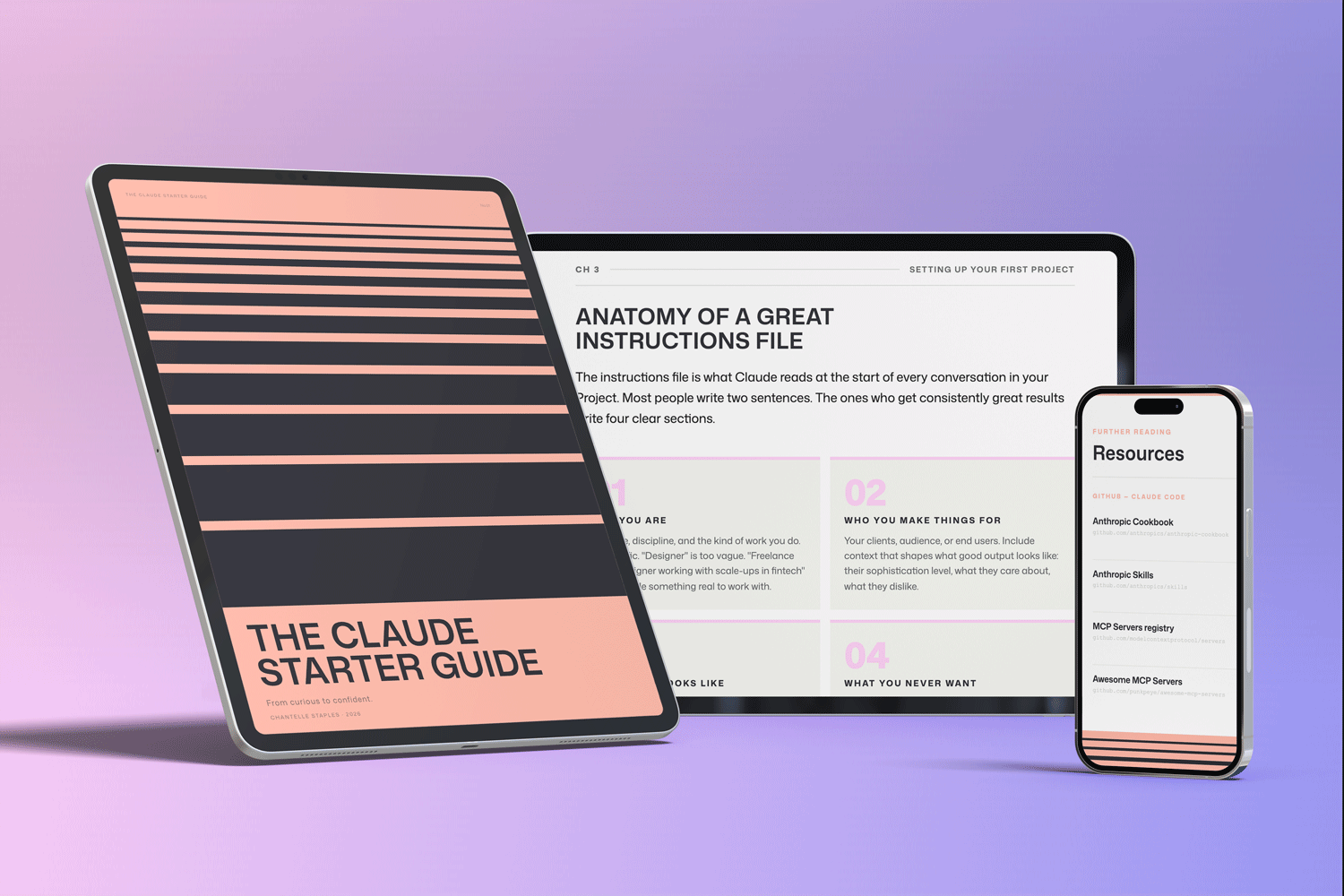
THE CLAUDE STARTER GUIDE
The complete guide to getting started with Claude.
Everything in this post is a workflow you can install. Buying the guide also unlocks my companion GitHub repo, with pre-built skills for research synthesis, briefing, and documentation, the non-visual work that gives your design time back.
Pre-built skills for design, product, and marketing. GitHub setup that makes sense. Step-by-step walkthroughs.
Frequently asked questions
What does AI-assisted design actually mean?
AI-assisted design means using AI across the whole design process, not just to generate visuals: research synthesis, briefing, exploring options, documentation, and pressure-testing decisions. The design judgement stays with the designer, while the high-volume and connective work moves to AI. The generating part is the smallest part of the change.
Does AI-assisted design replace designers?
No, but it changes where a designer spends their time. Production gets cheaper and faster, so the value shifts from making the output to judging it. Designers who understand what good looks like, and can decide quickly and consistently, become more valuable, not less.
What is the hardest part of AI-assisted design?
The volume of decisions. When first drafts take minutes, you produce far more of them, and every one still needs judging. The bottleneck moves from production to decision-making, which is more mentally demanding than the making it replaced.
How do I start with an AI-assisted design workflow?
Move one non-visual task to AI first, such as turning meeting notes into a brief or synthesising research, and keep the visual and creative decisions for yourself. This gives you time back where AI is strong and protects your judgement where it is weak. Expand from there once you see where the real gains are.
Want the workflows without the guesswork? The Claude Starter Guide comes with the full skills kit on GitHub, including the non-visual workflows that give a designer’s week back.
Leave a Reply